








Havenframe
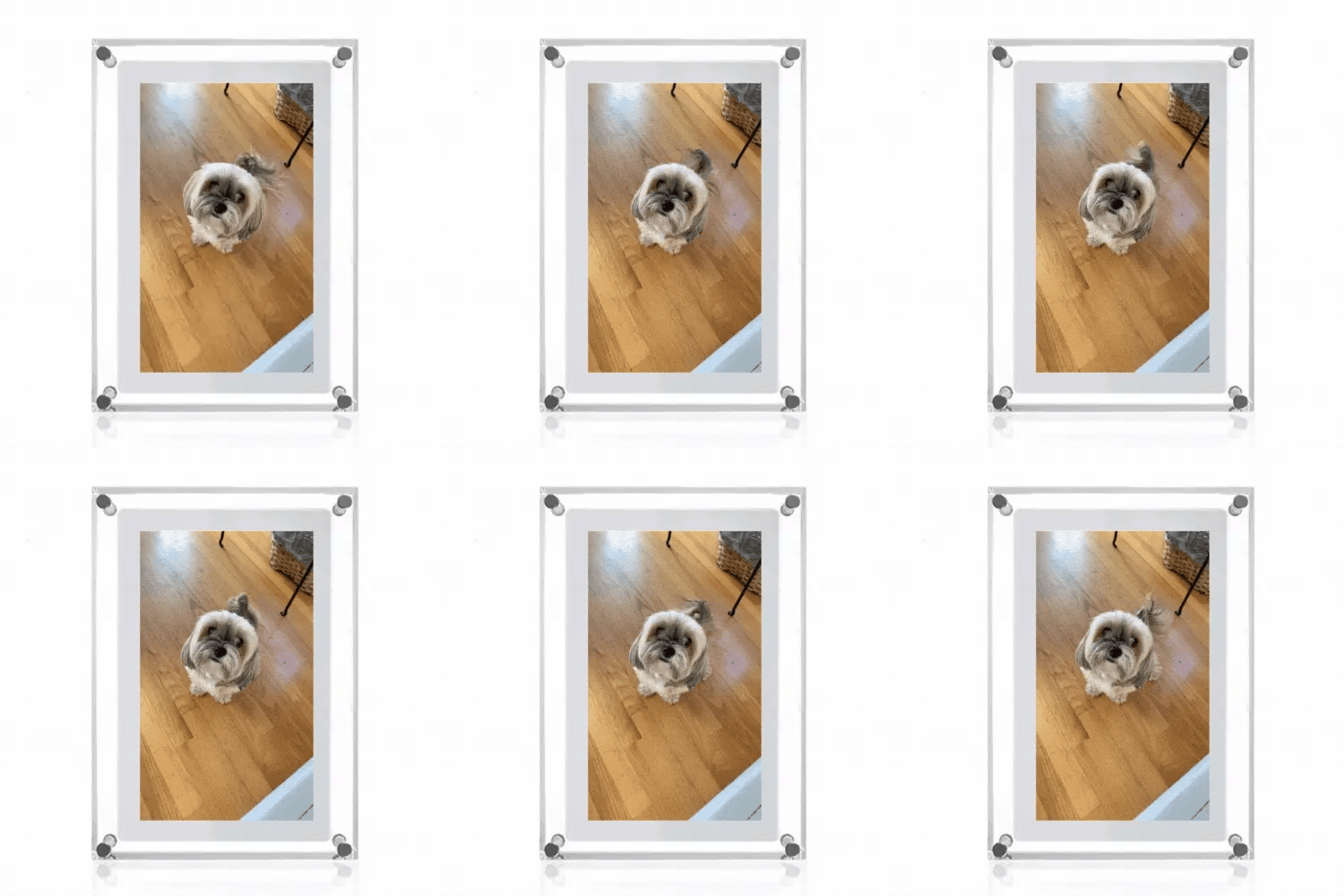
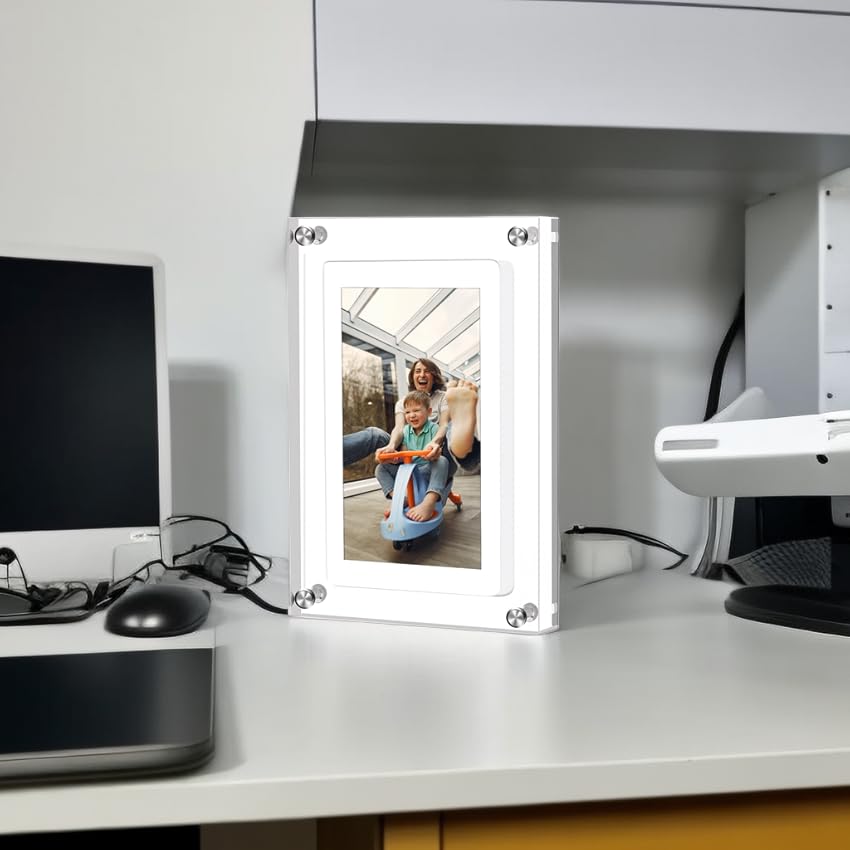
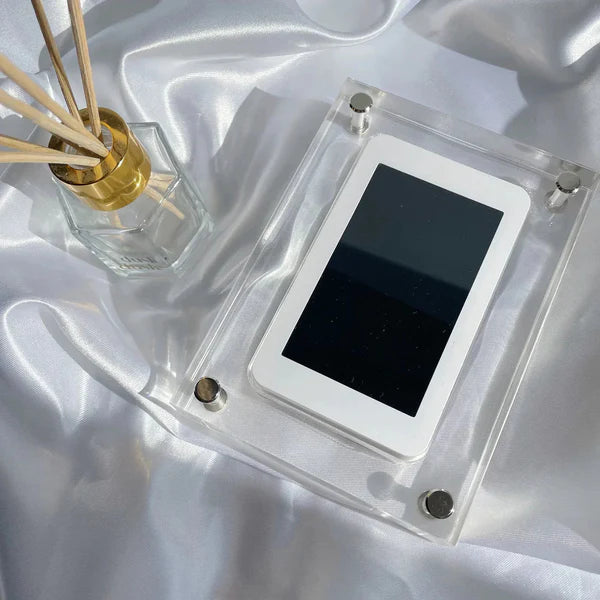
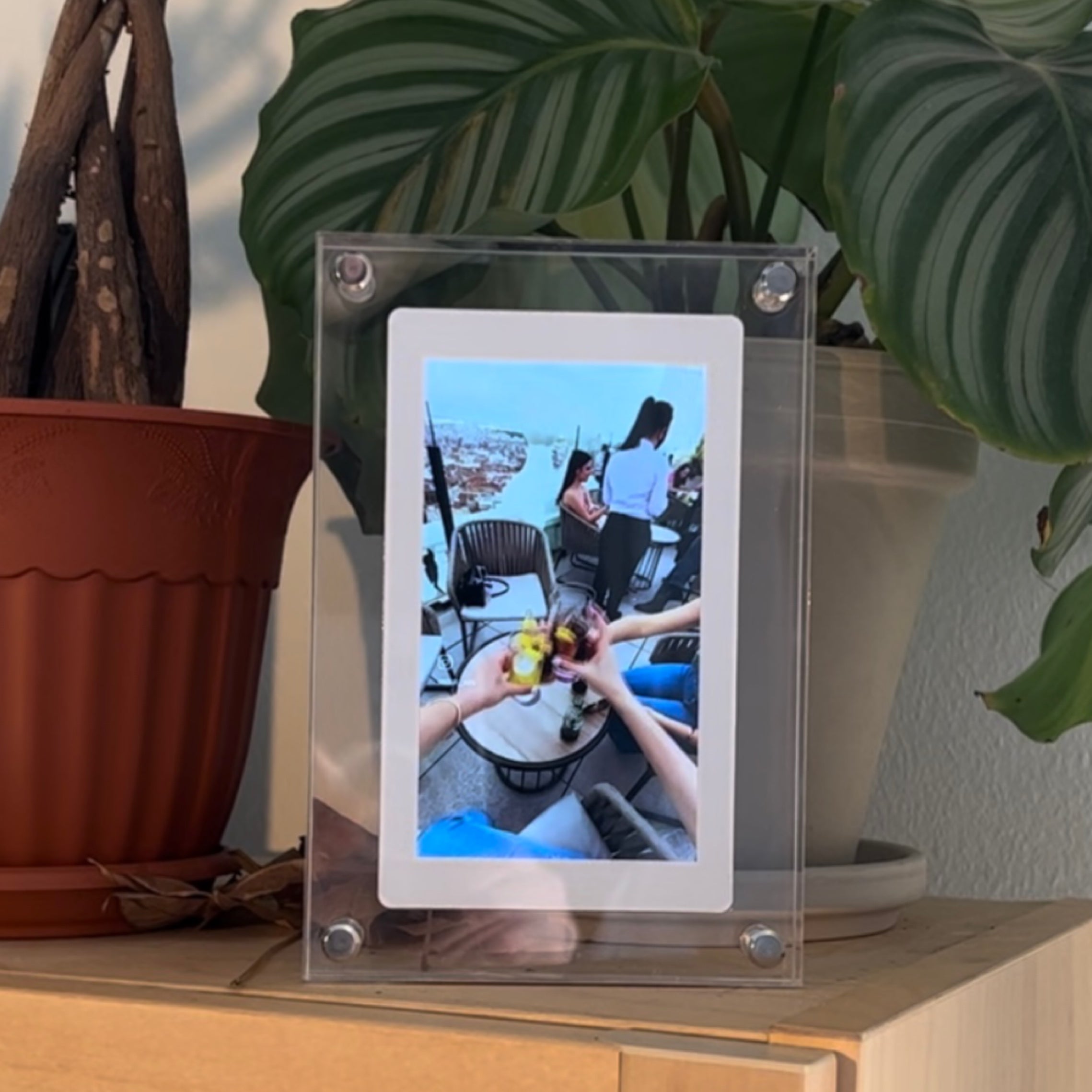
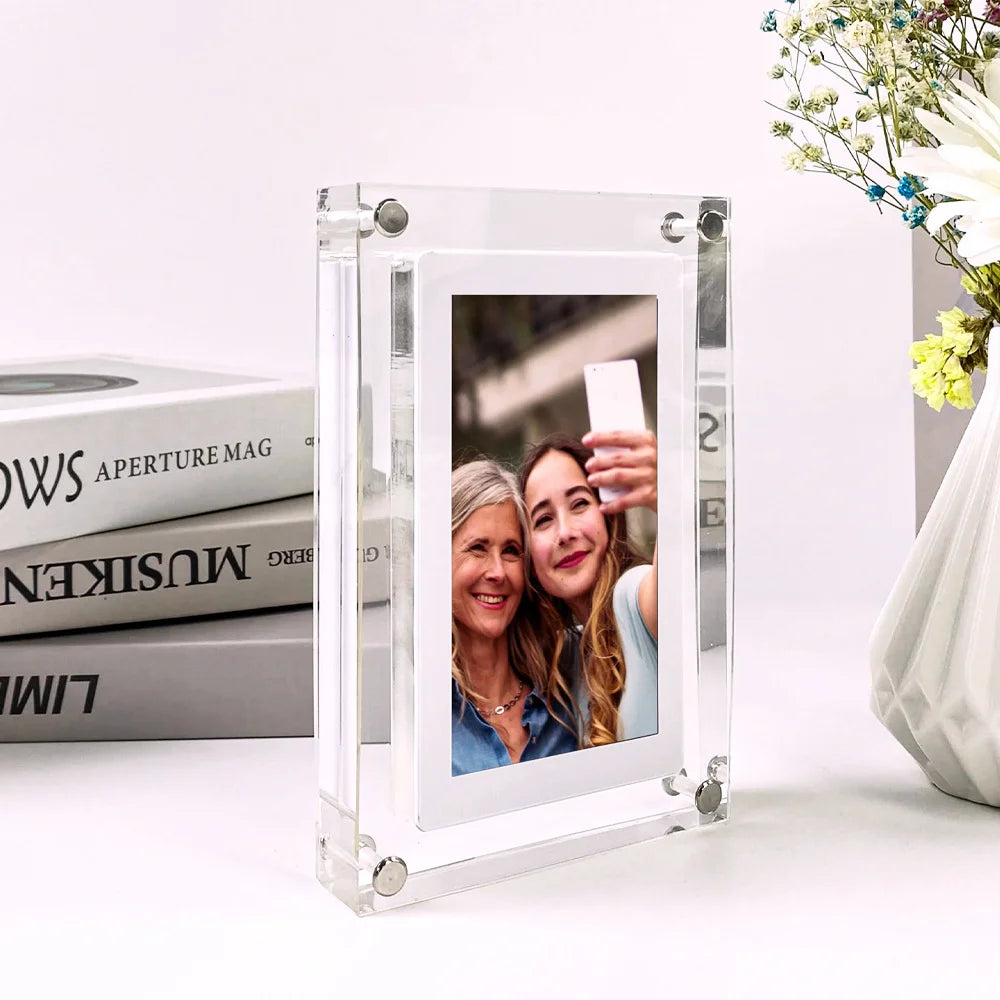
Rediscover the magic of your life's highlights with Havenframe, the digital picture frame designed to turn everyday memories into a heartwarming celebration. Imagine waking up to a cascade of your favorite moments, each glance at Havenframe reminds you of the people, places, and experiences that define your joy.
- 4GB of photos & videos
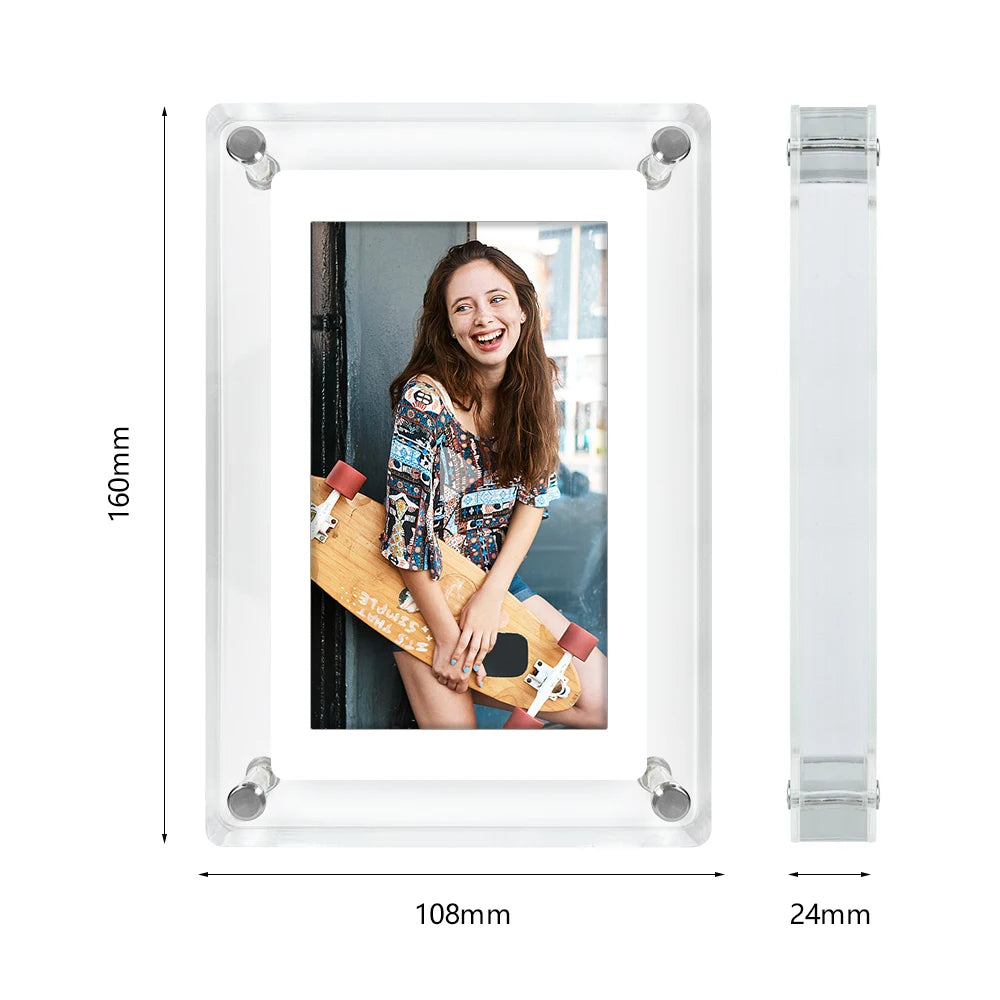
- Beautiful acrylic frame
- Infinite loop with sound
- HD screen for the perfect experience
Pairs well with
Havenframe
If you have any questions, you are always welcome to contact us. We'll get back to you as soon as possible, within 24 hours on weekdays.
Shipping Information
Use this text to answer questions in as much detail as possible for your customers.
Customer Support
Use this text to answer questions in as much detail as possible for your customers.
FAQ’s
Use this text to answer questions in as much detail as possible for your customers.
Contact Us
Use this text to answer questions in as much detail as possible for your customers.

Cherish
Every
Moment


Moments into Joyful Memories
Imagine walking into a room filled with smiles and laughter every time you glance at your Havenframe frame. It’s not just about displaying photos, it’s about feeling the warmth of memories and sharing a chuckle over old stories. With Havenframe, you get a daily dose of nostalgia sprinkled with a bit of playful magic. It’s your personal gateway to reliving those special moments that make life wonderfully unpredictable.
3 Easy Steps.
Select the video
Choose that unforgettable moment whether it’s a family celebration, a quirky adventure, or just a slice of your daily joy that you’d love to relive on loop.
Upload it to Havenframe
Transfer your video effortlessly to the Havenframe device. With a quick and intuitive upload process, you'll see your chosen memory ready to make its debut in no time at all.
Watch the magic on loop
Kick back and relax as your screen comes to life with vibrant memories. Enjoy the delightful surprise of watching your moments play continuously, turning every glance into an instant smile.
Frequently Asked Questions
How do I upload my videos and photos?
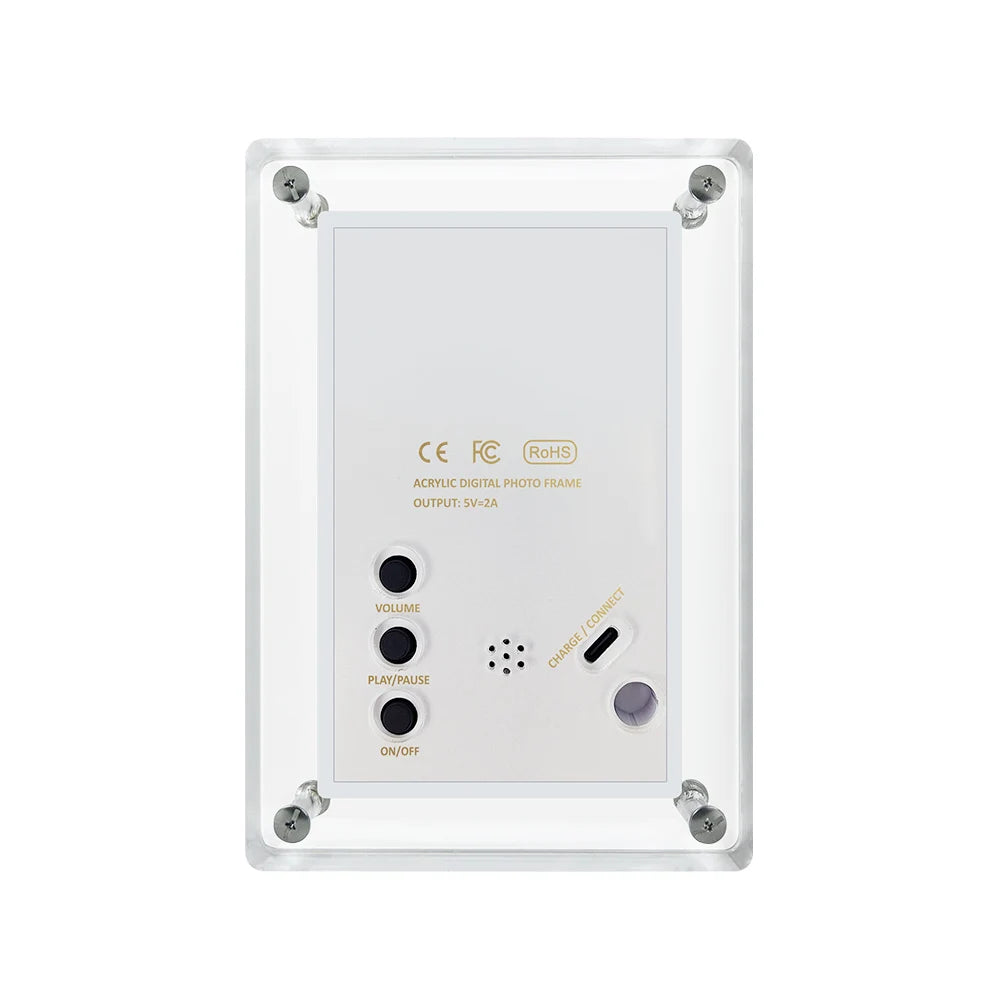
Simply connect your Havenframe to your computer using the provided USB-C cable. From there, choose your favorite files and upload them directly to the device. It's that easy—no tech expertise required!
Can I update or change the content on my frame?
Absolutely! Havenframe is designed for flexibility. You can delete old content and upload new memories at any time, so your display is always fresh and full of life.
What file formats are supported?
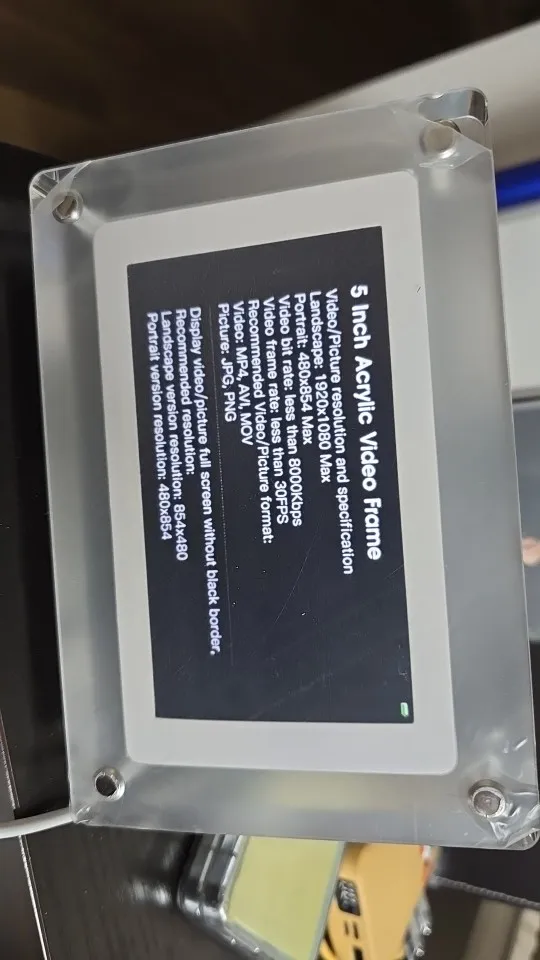
For the best experience, we recommend using JPEG or PNG files for images and MP4 for videos. Our frame supports a wide range of formats to accommodate all your favorite memories.
How much storage does Havenframe have?
Your Havenframe comes with 4GB of onboard storage. This is perfect for storing a generous collection of your favorite videos and photos to enjoy on a continuous loop.
How do I troubleshoot if my Havenframe isn’t working correctly?
If you encounter any issues, try the following steps:
- Ensure the device is properly connected to your computer.
- Check that your files are in a supported format and within the storage limits.
- Reset the device by unplugging it for a few seconds and then plugging it back in.
If the issue persists, feel free to contact our support team for personalized assistance.
Relive Every Smile
Every glance is a reminder that life's sweetest moments are worth revisiting.